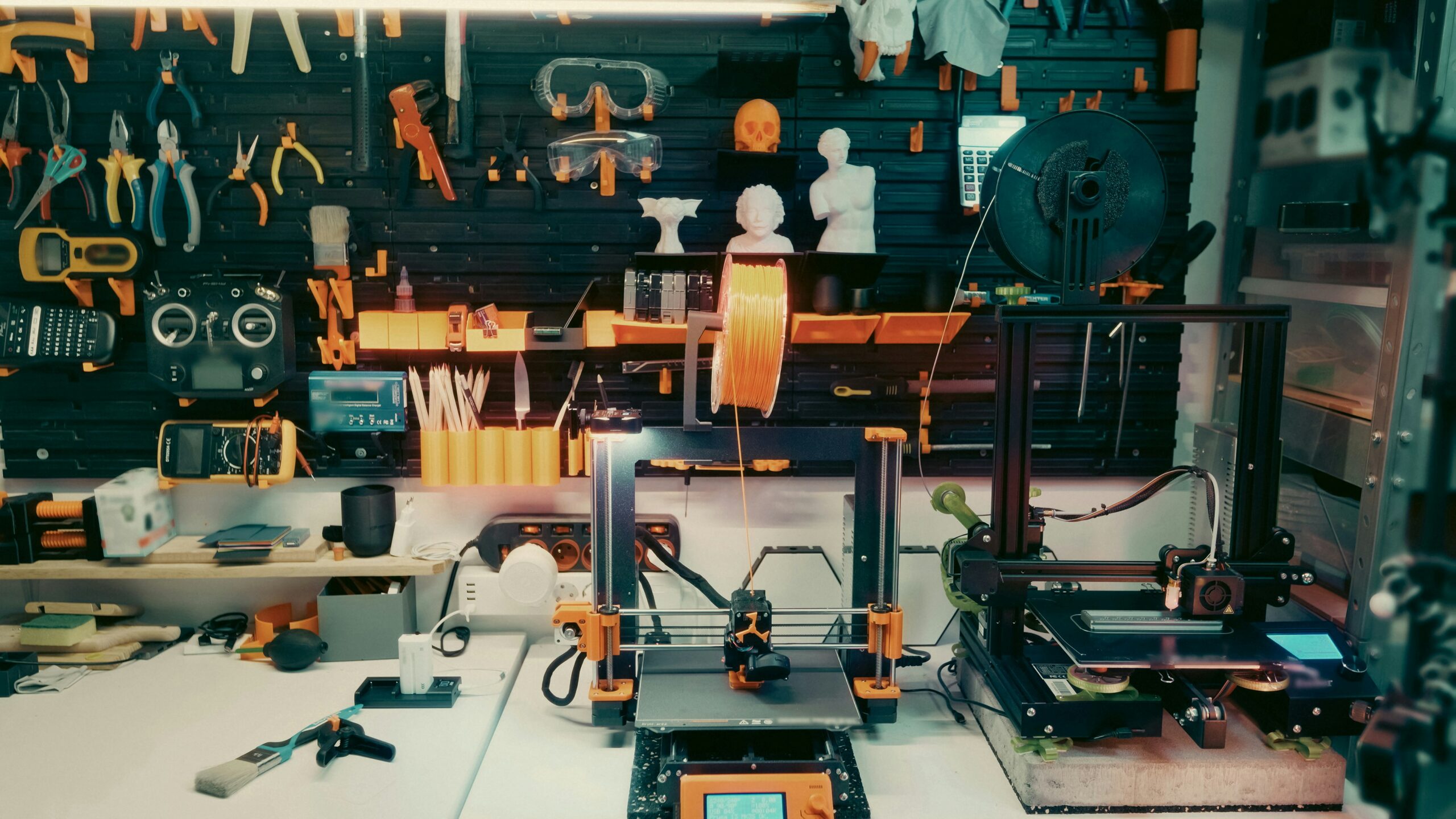
This week in class we explored the Design Lab at SD5 and it was an amazing experience. I did not know what to expect. I thought there would be rows of computers, printers, and desks, but oh was I wrong. The design lab was a welcoming space with creative freedom that I am sure students would want to explore. The options are limitless! There are two Design Labs surrounding our community, one in Fernie, and one in Cranbrook. The staff started by introducing us to the Design Lab and told us a bit about what they do in their role. He explained that teachers in SD5 collaborate with him to enhance the students’ knowledge in a specific subject or to just get more comfortable with technology. He explained that a Kindergarten class this week was learning how to scan QR codes to get to a link. This is such a cool thing to hear because technology is a part of our world, and this is providing students with the skills needed to prepare them for the real world!
They gave us an overview on grades and their learning goal:
- K-3: Building Awareness
- 4-6: Hands on Exploration
- 7-9: Improve Work with AI
- 10-12: Thoughtful, Broad Use
Explanation on design process
Teacher (left side) & Student (right side)
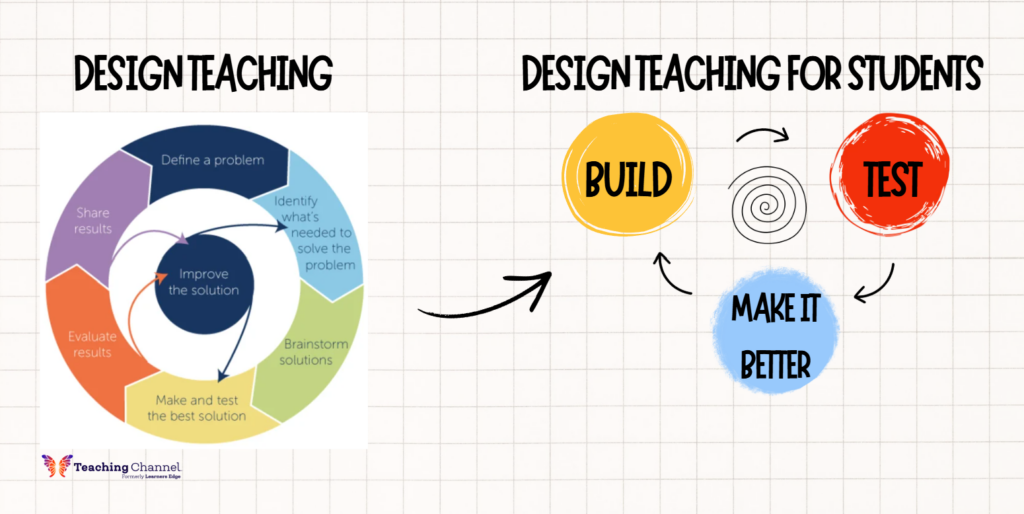
The student diagram helps students understand the design process with fewer steps. It is clear and shows the continuous design cycle that students must use to create a final product.
Innovation in Education
This experience has shown me the importance of innovation in education. The design lab has so many amazing stations where students can take an idea, try something, problem solve, learn from their mistakes, take risks, and create something new and exciting. The design lab also gives students unique opportunities to use tools, materials, and equipment that are not found in a traditional classroom. In a way it is preparing them for the world outside the classroom.
What stood out?
What stood out to me was how amazing this opportunity is for students.
- The design lab was located in a neighbouring school.
- Students are bused and transportation is provided and free.
- The space was larger than expected and encouraged creativity.
- The equipment, materials, and technology were very impressive.
- The staff member in charge of the design lab was a motivating figure. He was passionate about the lab and the experiences that happen there. His energy and excitement was contagious.
What activities did I explore?
I explored almost everything available and it was awesome!
Here is a list of each thing and what it did:
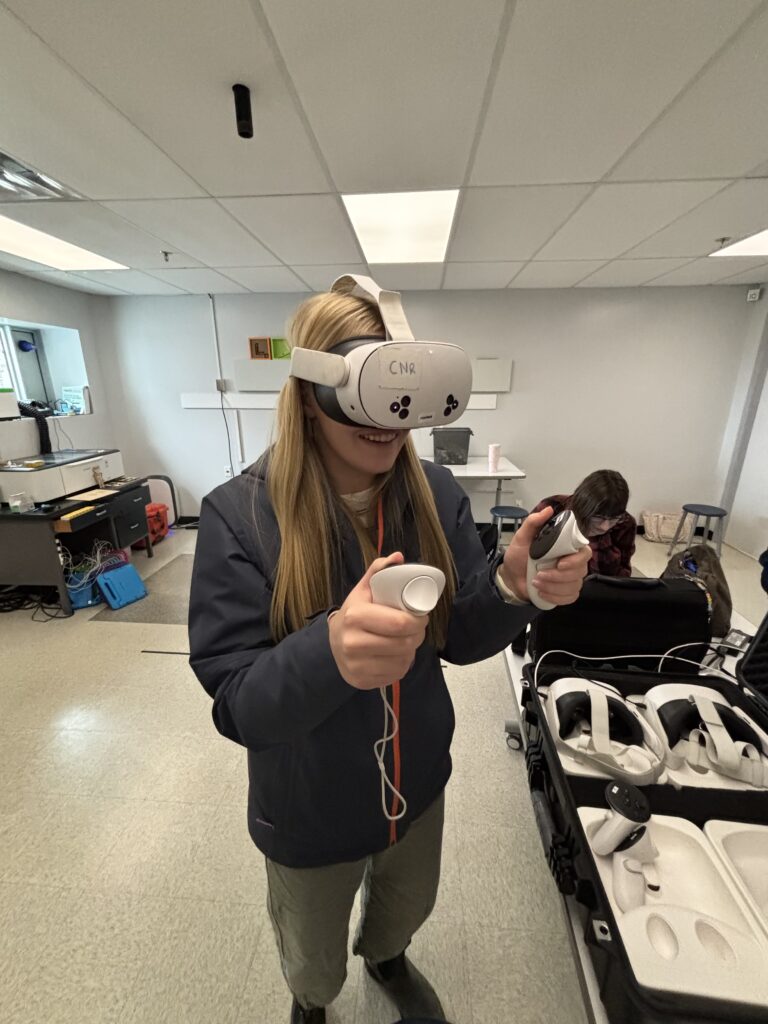
1. Virtual Reality (VR)
We wore VR headwear and hand controllers to explore Antarctica. This was a cool way to teach technology and science content.
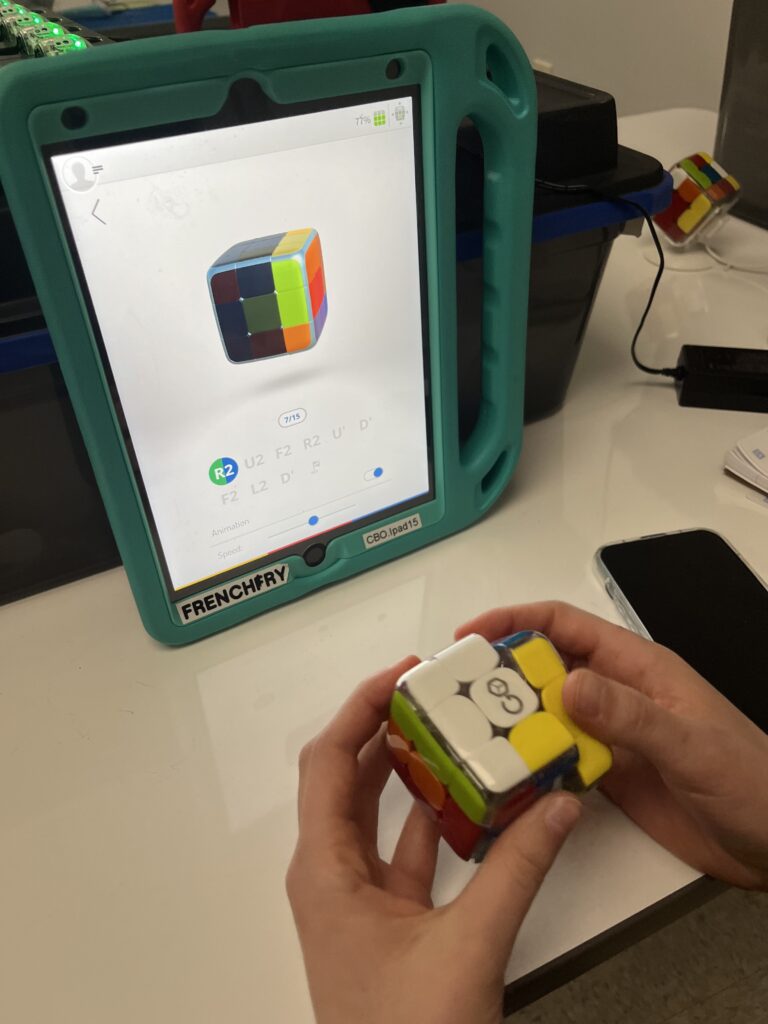
2. GoCube
This is an interactive rubix cube. The version I tried was that you had the GoCube app and then you solved the cube while I gave you step by step movements.
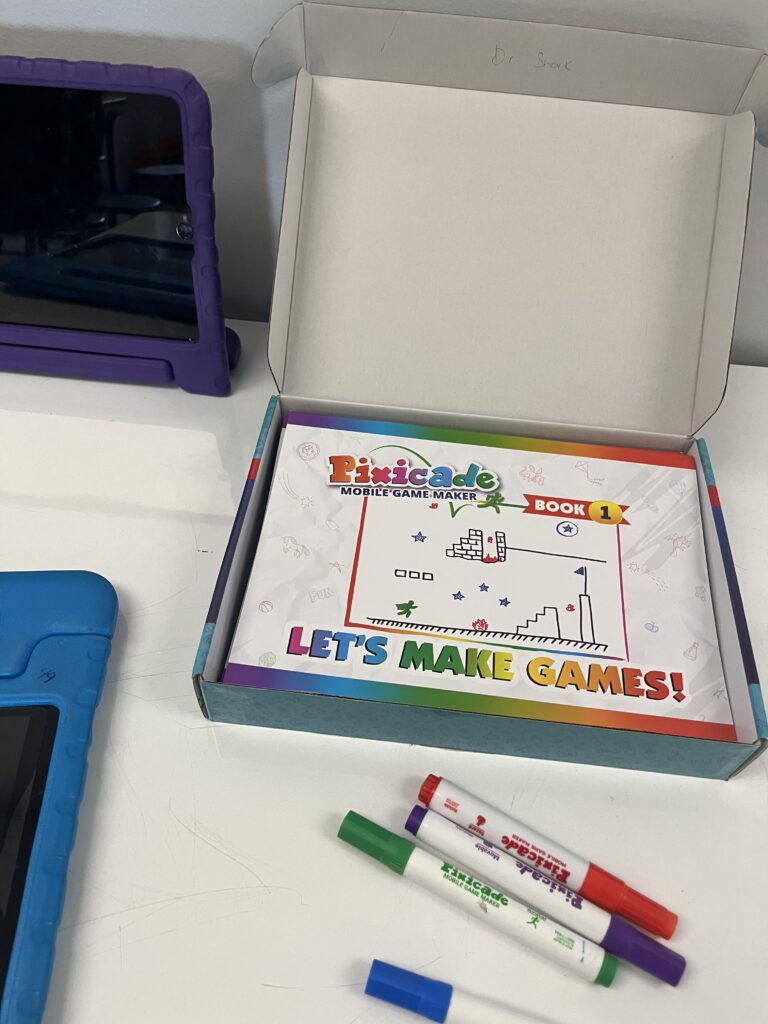
3. Pixicade
Takes drawings and turns them into playable video games. We were able to draw characters, obstacles, and worlds on paper with the 5 included markers. We then took a picture and went on the app and watched our sketch come to life as an animated, playable video game.
4. 3-D Pen
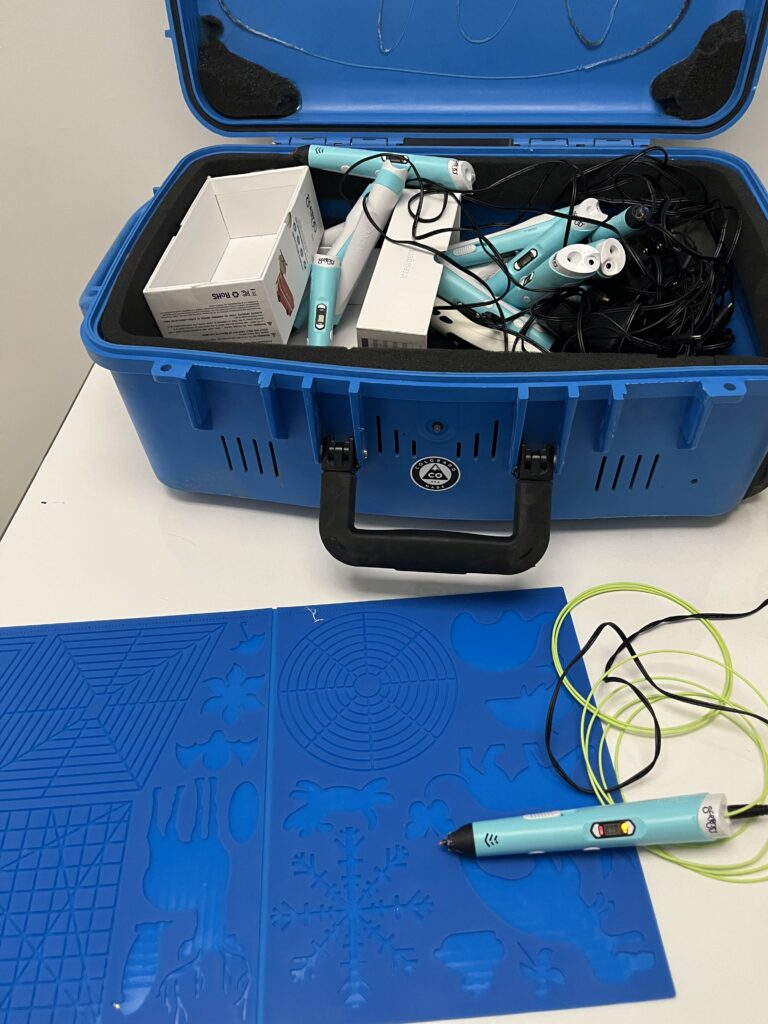
We were able to use this crayon shaped, handheld tool to draw physical objects. This could be done in the air or on paper. It used plastic strands that fed into the pen where it was warmed to become malleable. Once drawn it cooled down within seconds.
5. ChompSaw
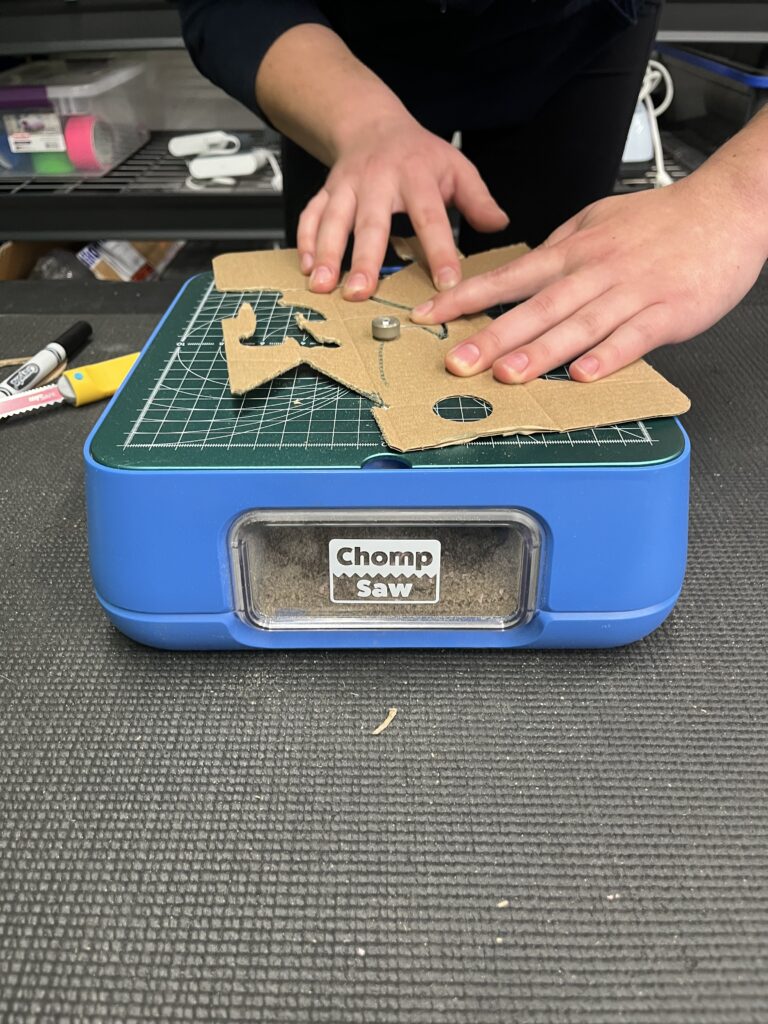
This was a great tool to cut cardboard and thick paper without the danger of cutting our fingers, hair, and clothes. It would be great to use for all kinds of projects and with your imagination you can make something really cool!
6. Ozobots
Ozobots are palm-sized coding robots that are able to follow lines and follow them perfectly. It is a great way to introduce students to computer sciences and STEM.
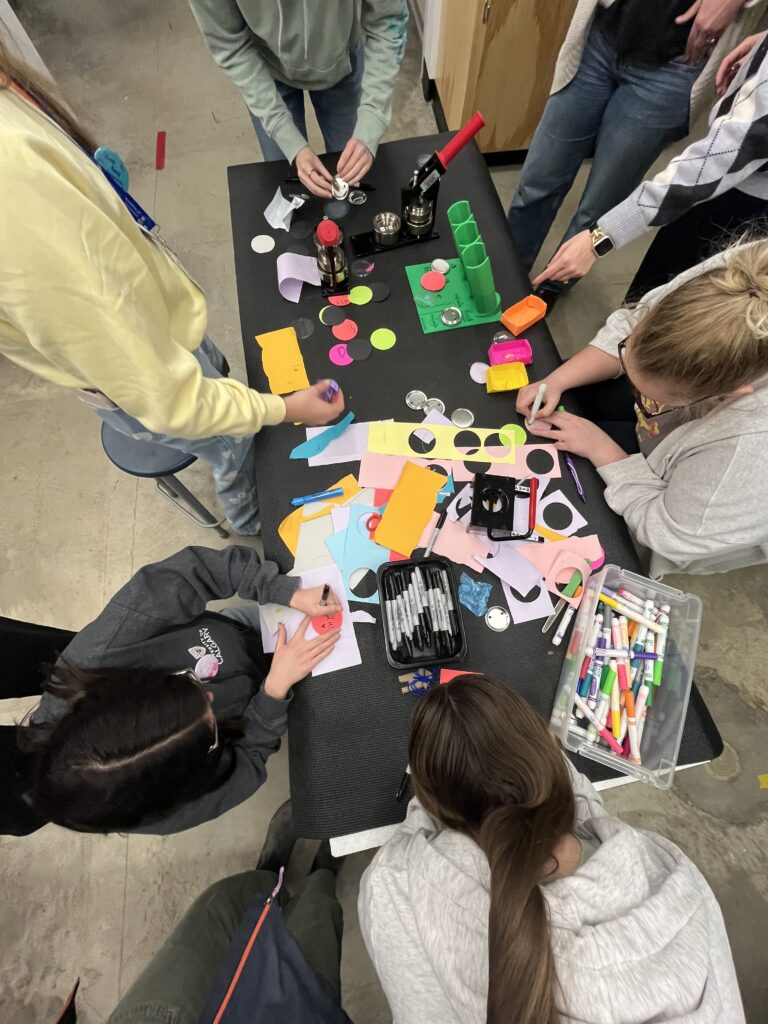
7. Button Making
We had the opportunity to make buttons! It was so fun being able to customise our own with whatever we wanted and the ability to make something cute to have as a teacher!
In My Classroom
There are limitless possibilities for ways I could use these tools in my classroom:
- Design your dream playground
- Build your own board game
- Invent something that solves a problem
- Make your own keychain
Future Plans
This was a really cool experience and it exposed me to new technology and ideas to integrate into my future classroom. If I have a design lab available to use with my class I would definitely jump on the opportunity. It would offer my students the ability to explore new technology, be creative, set goals, problem solve, and develop their independence as learners. It would be great for my students to create their own inventions, and see the process through from start to finish. I also think it is important for them to experience successes, failures, and the process of trial and error as they work through their own design projects.
Sorry, but comments are not enabled on this site.